
10 Creative AI Art Generators for Designers to Try Now in 2026
This article highlights ten AI art generators that are genuinely useful for designers in 2026. Each entry explains what the tool is good at, how to use it, and which design workflows it fits best, so you can quickly decide where it belongs in your stack.
1. AILineArt
Intro
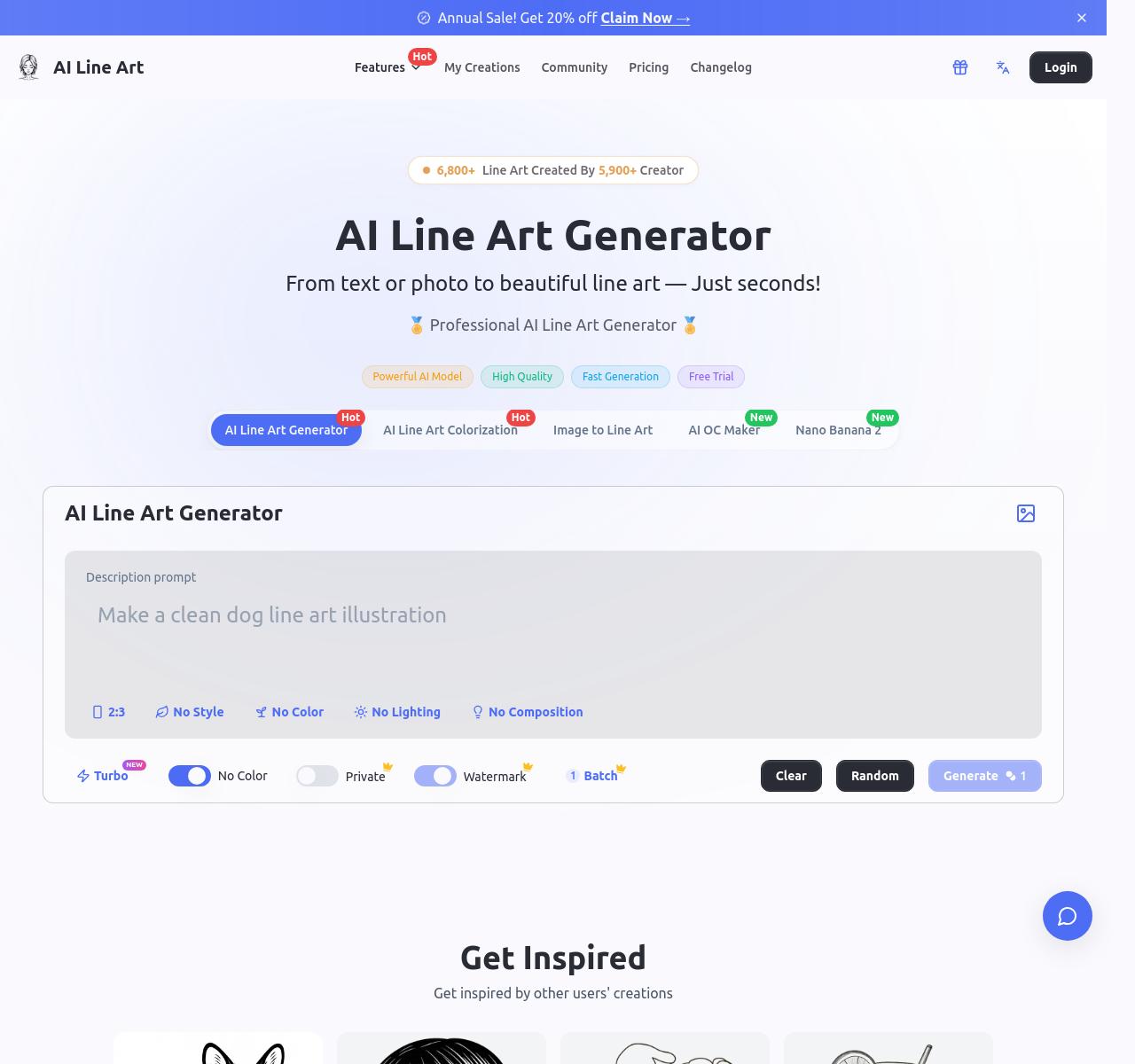
AILineArt is a focused AI generator for designers who want clean line art instead of painterly or noisy outputs.
How To Use
Write a prompt or upload a rough image, choose a line-art direction, and refine the result until it is clean enough for print, tracing, or simple branding work.
Features
It is very good at simplifying a messy visual idea into readable outlines.
The results fit coloring pages, tattoo drafts, editorial line drawings, and one-color graphics.
Its narrow style is useful because it keeps the visual language consistent.
It saves time when you need crisp contour-based artwork fast.
2. TeeDIY
Intro
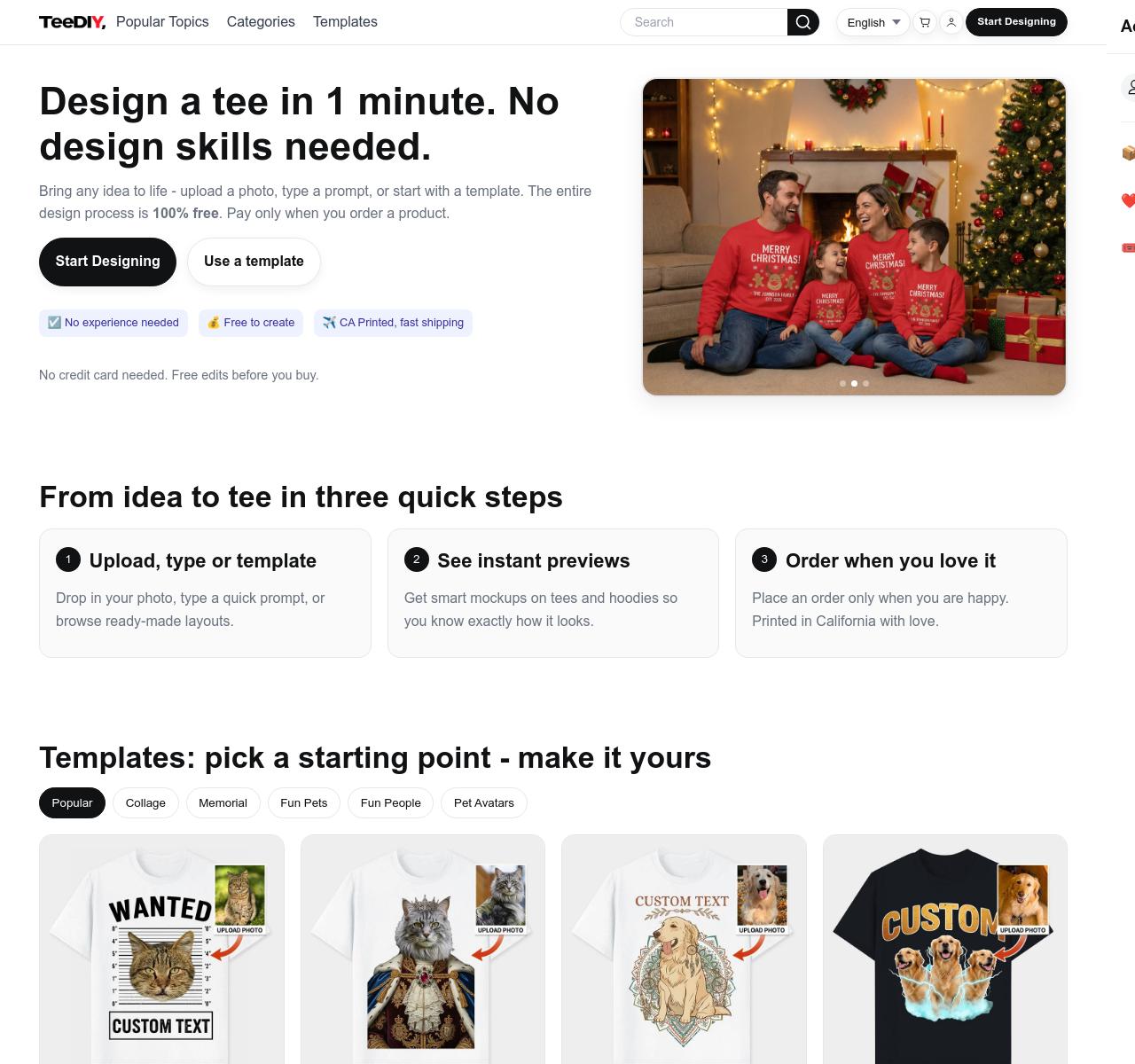
TeeDIY is an AI design tool built around apparel and merch creation rather than general image generation.
How To Use
Start from a prompt, template, or uploaded image, preview the concept on clothing, and keep adjusting the layout until it feels ready for merch.
Features
It helps you evaluate graphics in a real product context early.
The workflow is useful for t-shirts, creator merch, events, and print-on-demand ideas.
It pushes you to think about placement, contrast, and readability on fabric.
That makes it more practical for merch work than a generic image tool.
3. SVGMaker
Intro
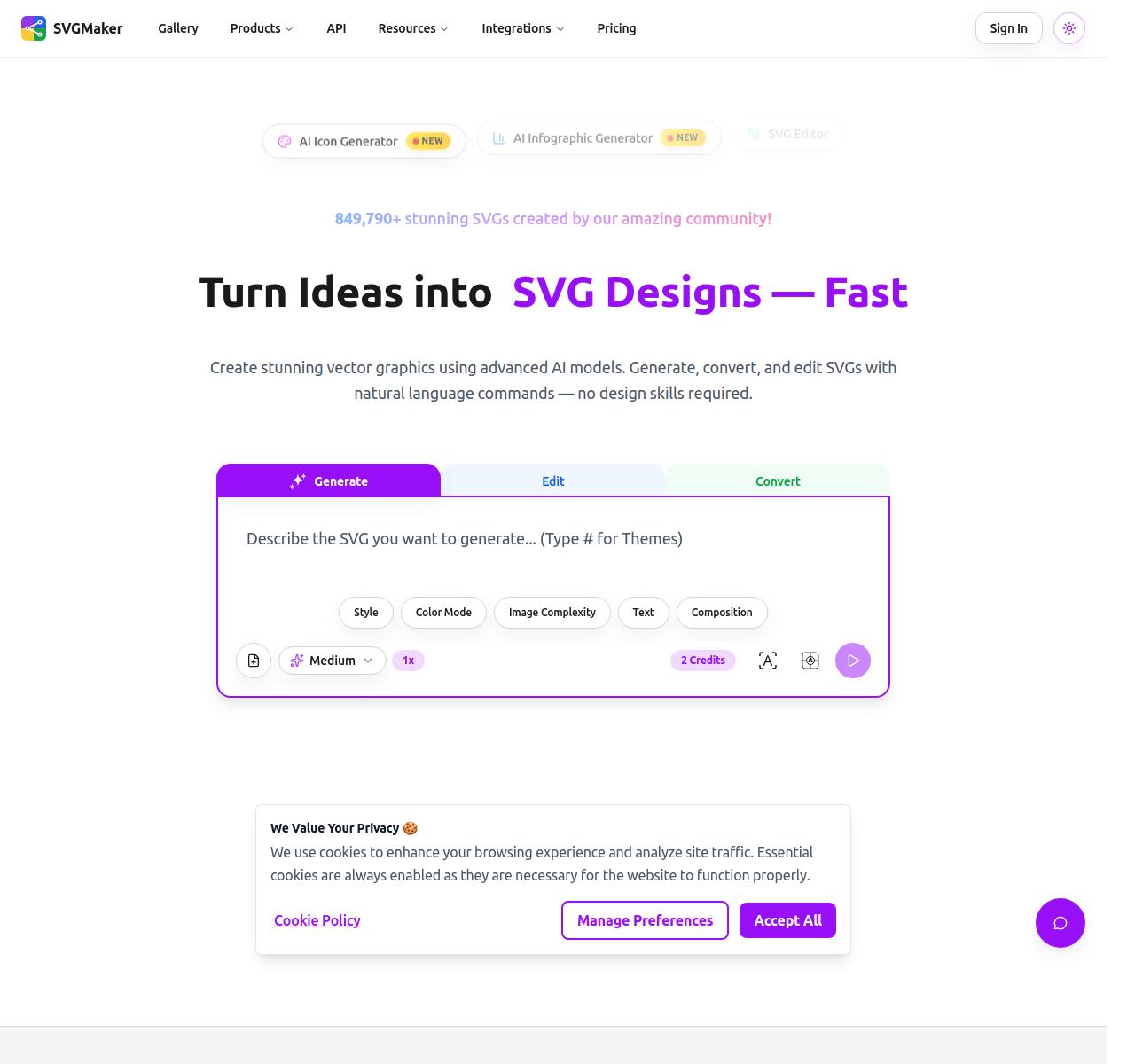
SVGMaker is made for designers who need vector-ready graphics instead of raster-only images.
How To Use
Describe the logo, icon, mascot, or illustration you need, generate a first SVG direction, and export the best option into your design workflow.
Features
Vector output is the biggest advantage because the result stays scalable.
It is useful for logos, badges, simple mascots, and landing page illustrations.
Cleanup is often easier than with image-first generators.
It works well when you need several fast visual directions before polishing one.
4. Nano Banana
Intro
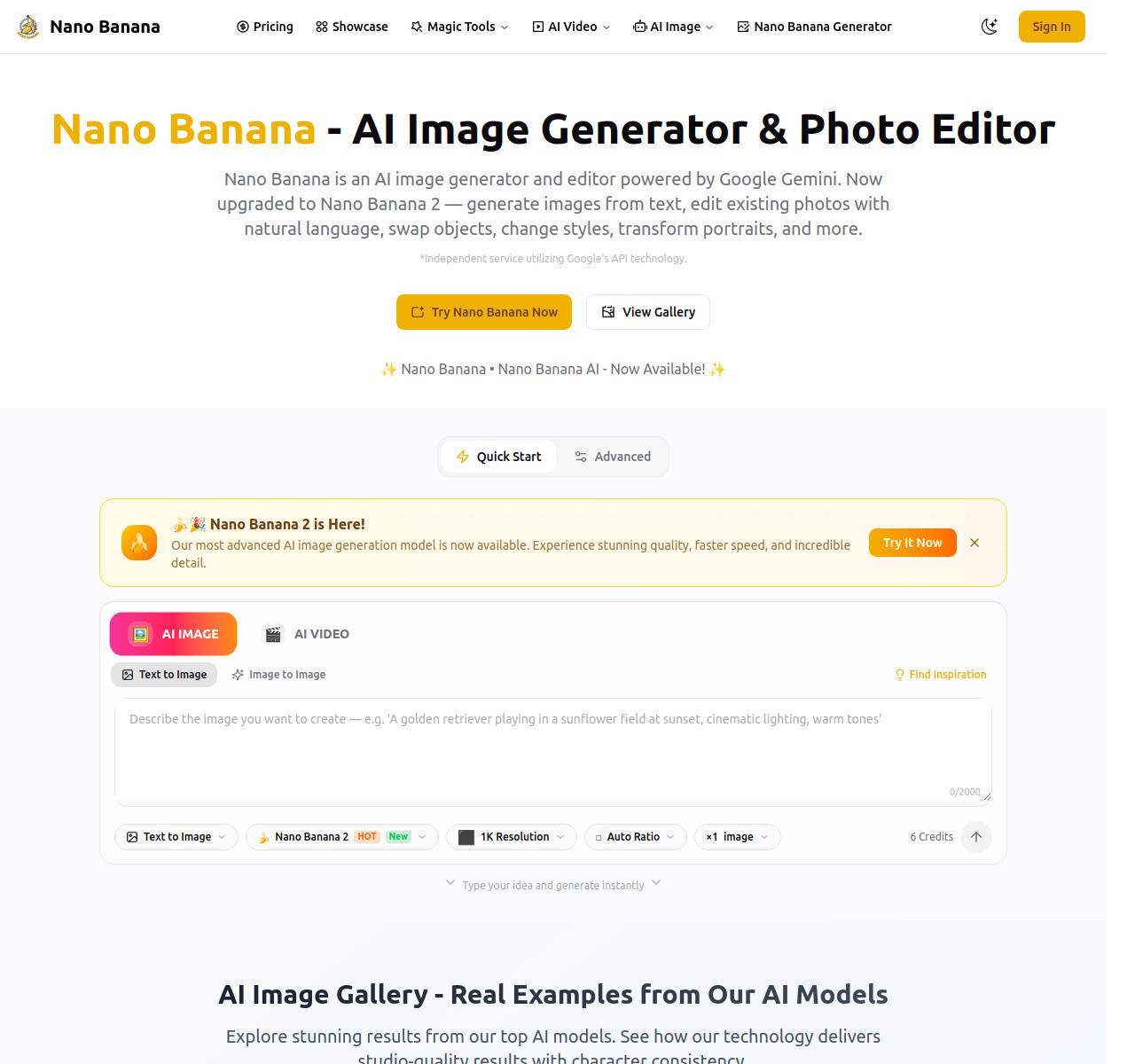
Nano Banana is a fast AI image generator for designers who want quick concept directions and fast visual edits.
How To Use
Generate a first concept with text, move to image edits when you find a promising direction, and iterate until the mood and composition match the brief.
Features
Speed is its strongest advantage during early-stage ideation.
It works well for moodboards, social graphics, and style experiments.
The workflow feels lightweight and easy to keep moving.
It is a strong fit when you need volume and momentum more than deep controls.
5. Adobe Firefly
Intro
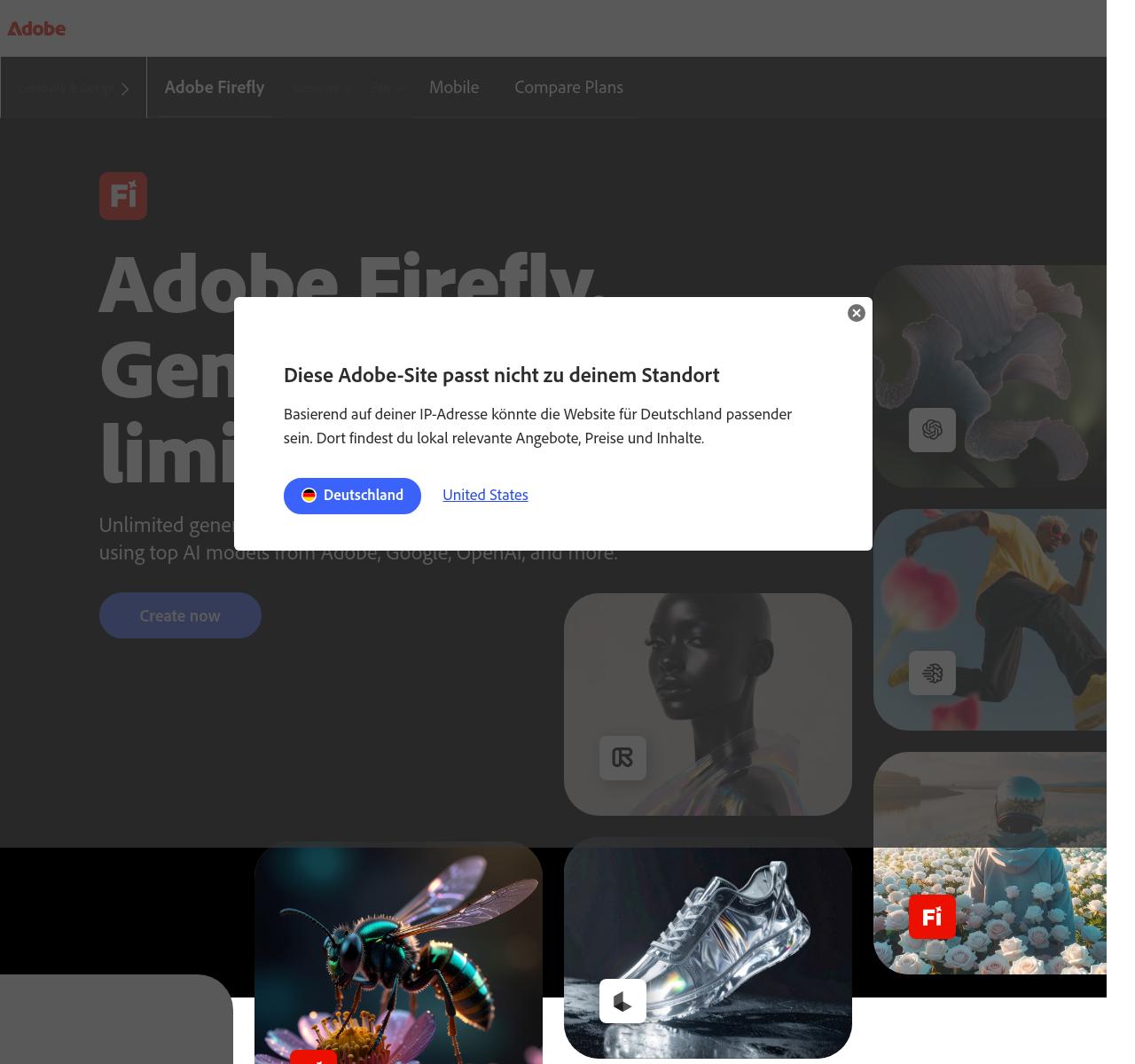
Adobe Firefly is a creative AI workspace that fits naturally into a professional Adobe-based design pipeline.
How To Use
Generate visual directions, refine the best ones inside Adobe tools, and carry the selected assets into the rest of your production workflow.
Features
It feels like part of a larger system rather than a standalone prompt toy.
That makes it useful for campaigns, brand visuals, and collaborative concept work.
The handoff from generation to editing is smoother than in many smaller tools.
It is especially practical for teams already working in Adobe products.
6. Leonardo AI
Intro
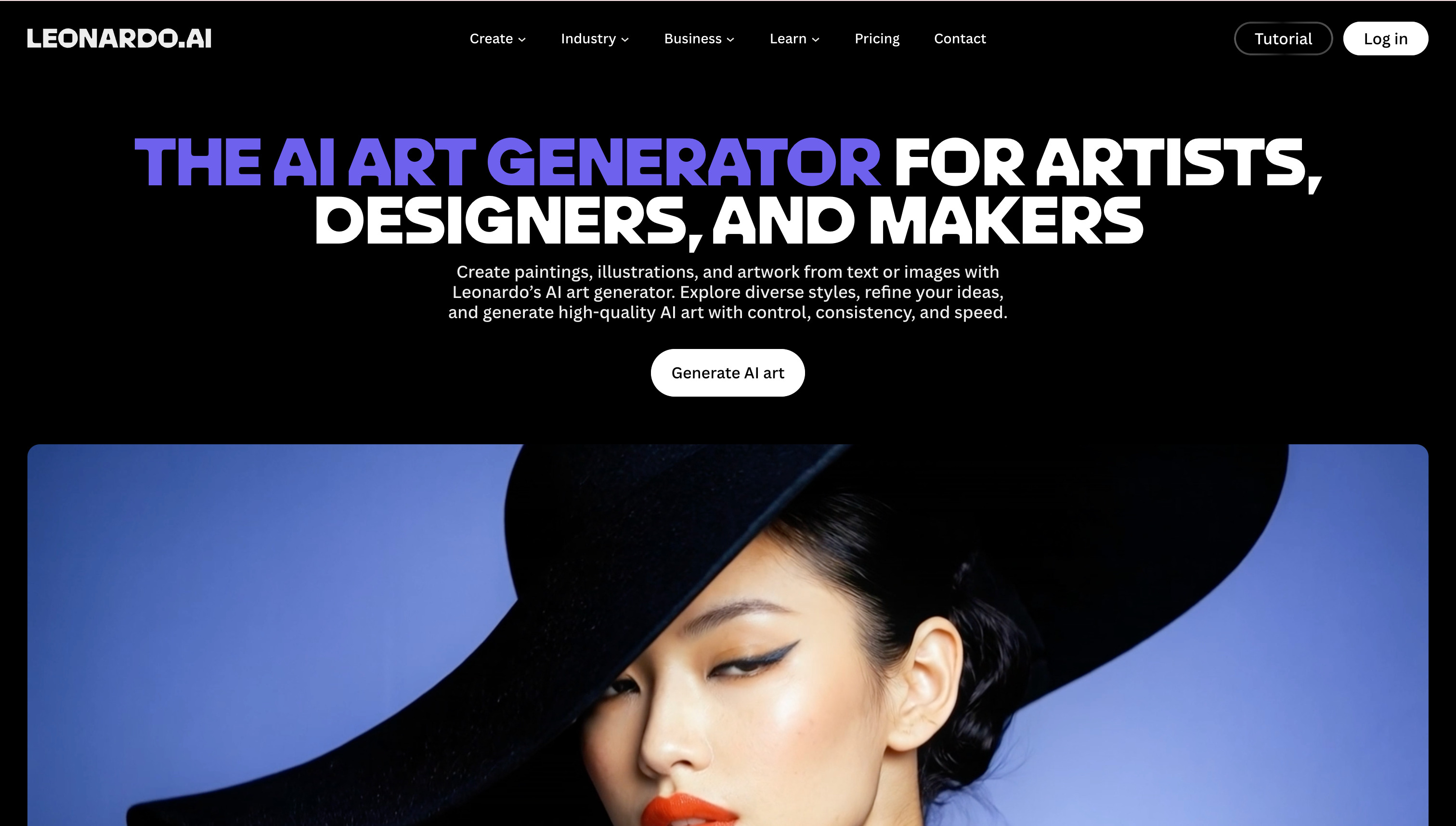
Leonardo AI is designed for creatives who need more control and more consistency across multiple generated images.
How To Use
Generate a direction, select the outputs that match the brief, and keep refining them into a more stable visual family.
Features
Consistency is its biggest strength for multi-image projects.
It works well for concept sets, campaigns, and branded illustration systems.
You can push a direction further without losing the visual language too quickly.
That makes it useful when repeatability matters as much as creativity.
7. Ideogram
Intro
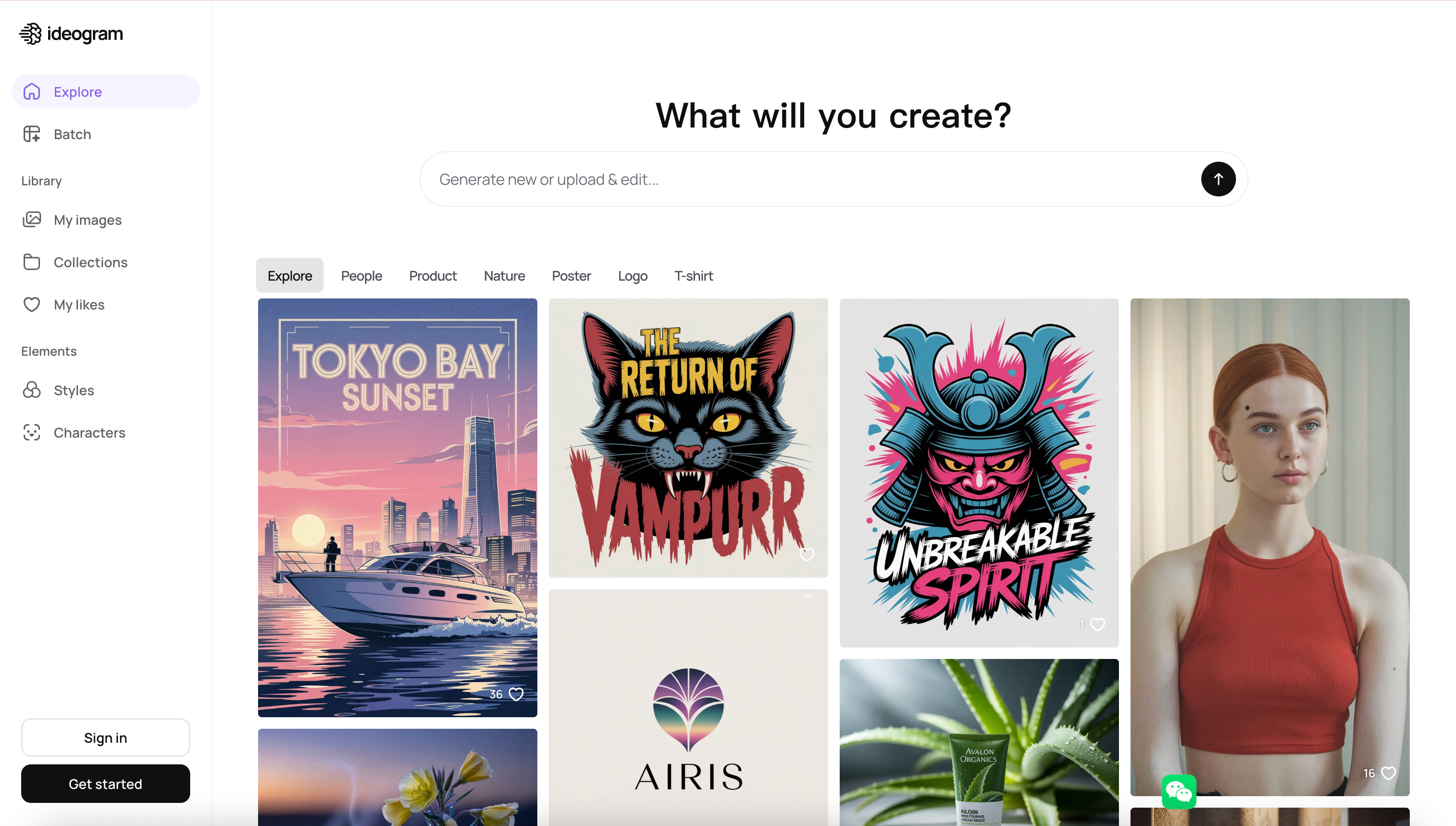
Ideogram is one of the most useful AI art tools for designers working on posters, logos, and text-heavy visuals.
How To Use
Describe both the image idea and the text intent, generate several layouts, and keep the version that balances typography and composition best.
Features
Its strongest advantage is handling text inside images better than most AI generators.
That makes it valuable for posters, hero graphics, and logo exploration.
It gives designers a faster way to test layout-aware directions.
It is one of the best picks when branding and typography are central to the brief.
8. Recraft
Intro
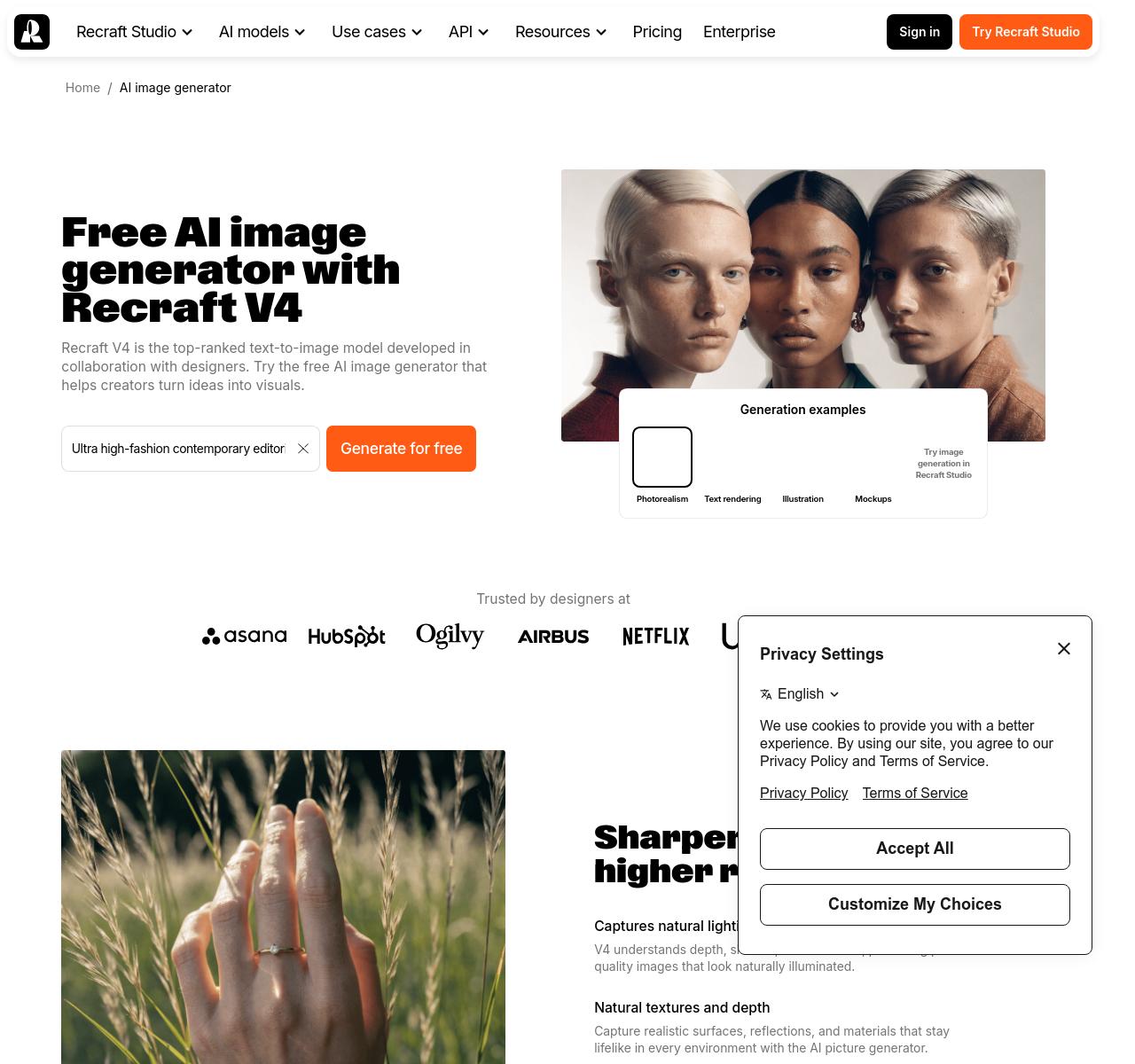
Recraft is a designer-friendly AI tool that combines image generation with practical design utility.
How To Use
Start with the kind of asset you need, generate several directions, and refine the best one into something ready for cleanup or direct use.
Features
It feels intentionally built for designers instead of only prompt hobbyists.
It works across logos, illustrations, icons, and marketing graphics.
That range makes it useful for freelancers and small teams.
It is one of the most balanced tools on this list for real production work.
9. Midjourney
Intro
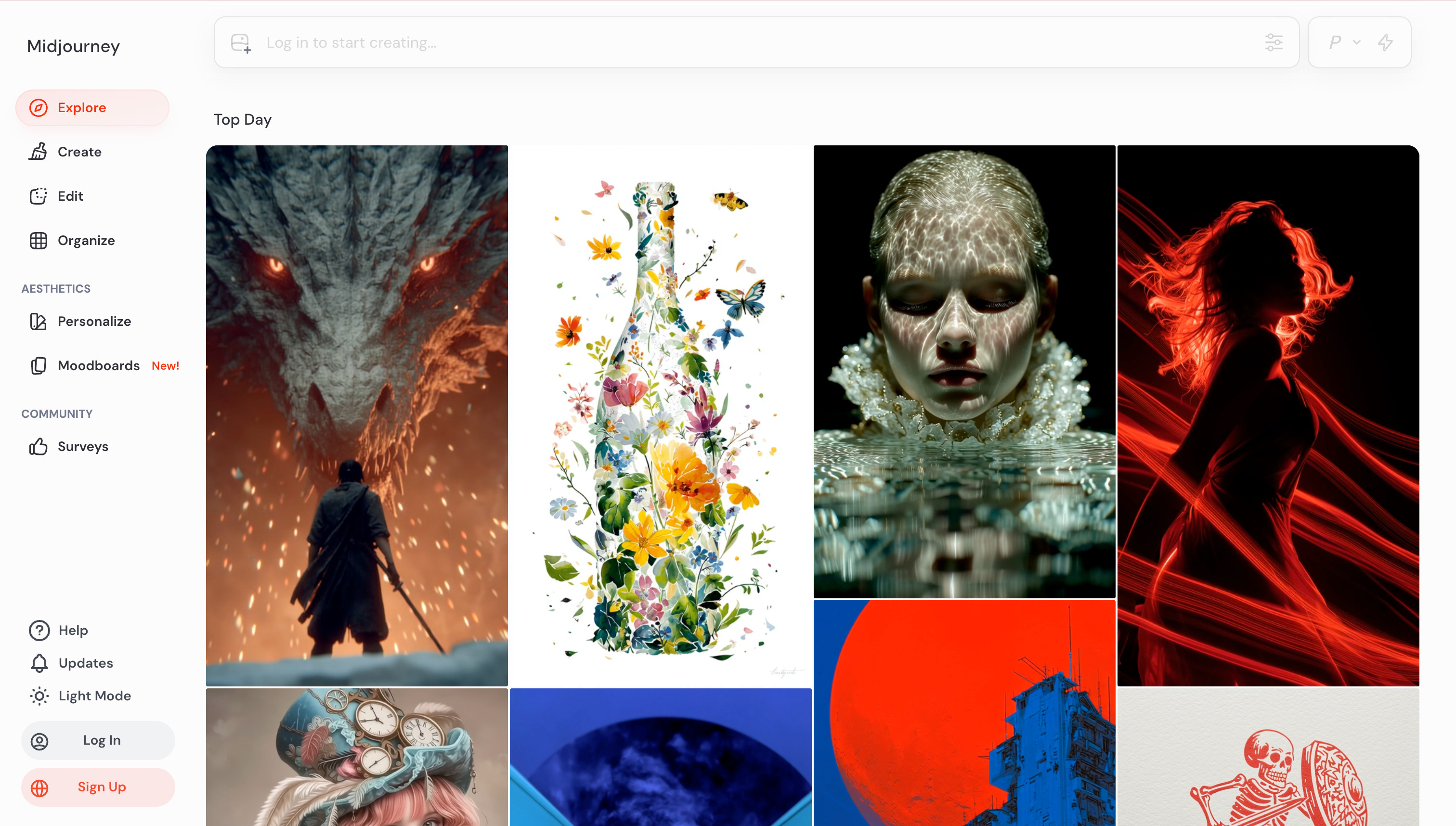
Midjourney is still one of the strongest choices for dramatic moodboards and high-aesthetic concept references.
How To Use
Use it to explore visual territory fast, save the strongest images, and then adapt those directions inside your actual design process.
Features
Its biggest strength is visual taste and atmosphere.
It works very well for editorial concepts, worldbuilding, and campaign inspiration.
Many designers use it as an art-direction engine rather than a final asset tool.
It stays valuable because strong references can improve the whole project.
10. Krea
Intro
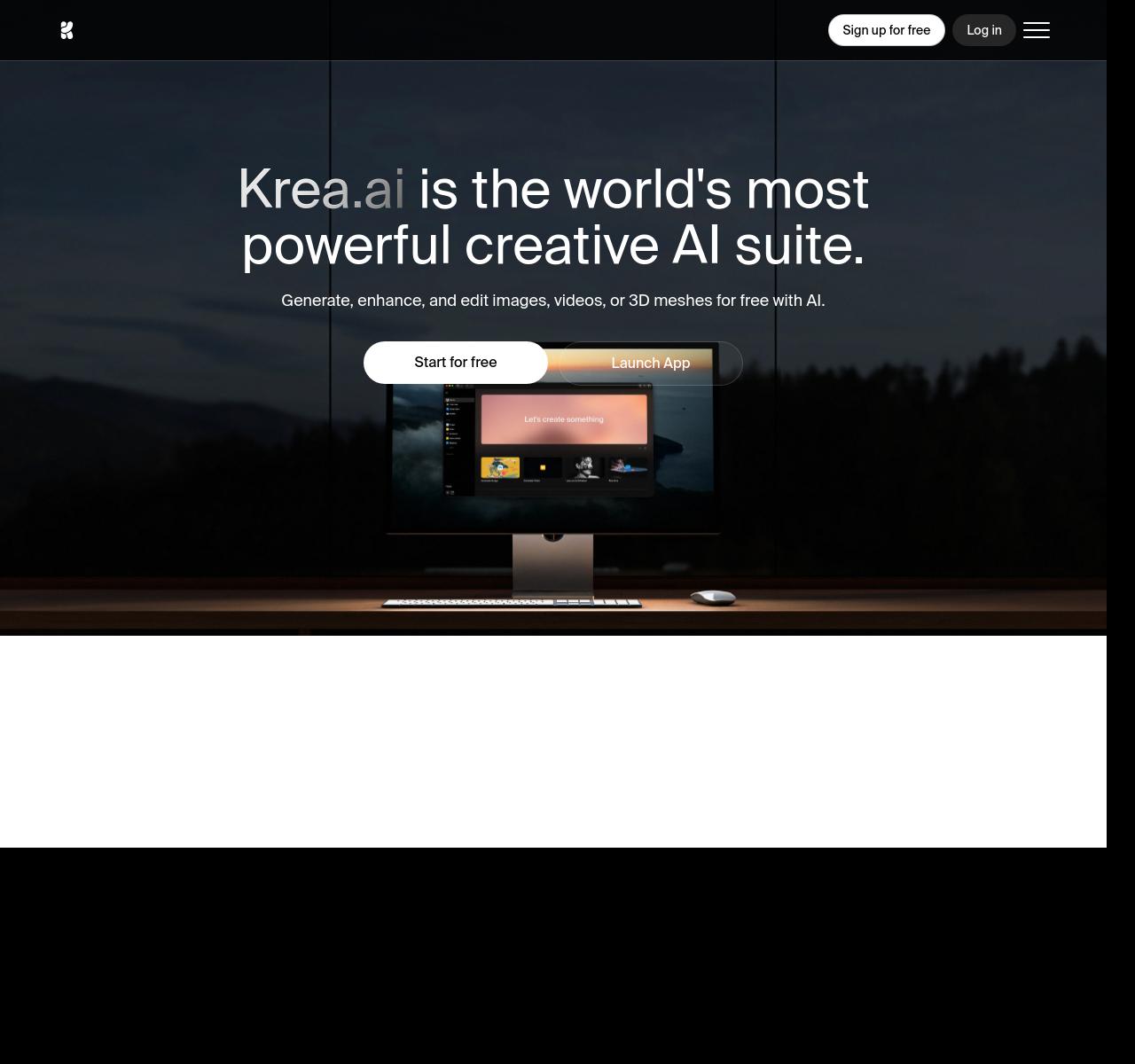
Krea is a fast and fluid AI art tool for designers who like to generate, edit, and enhance in one loop.
How To Use
Create a rough concept, run quick variation and enhancement passes, and keep polishing the direction until it is ready to present.
Features
It is excellent for keeping momentum during visual exploration.
Generation and enhancement live close together, which reduces friction.
That makes it useful for style testing, concept refinement, and fast polish.
It fits designers who think iteratively and want a fluid workflow.